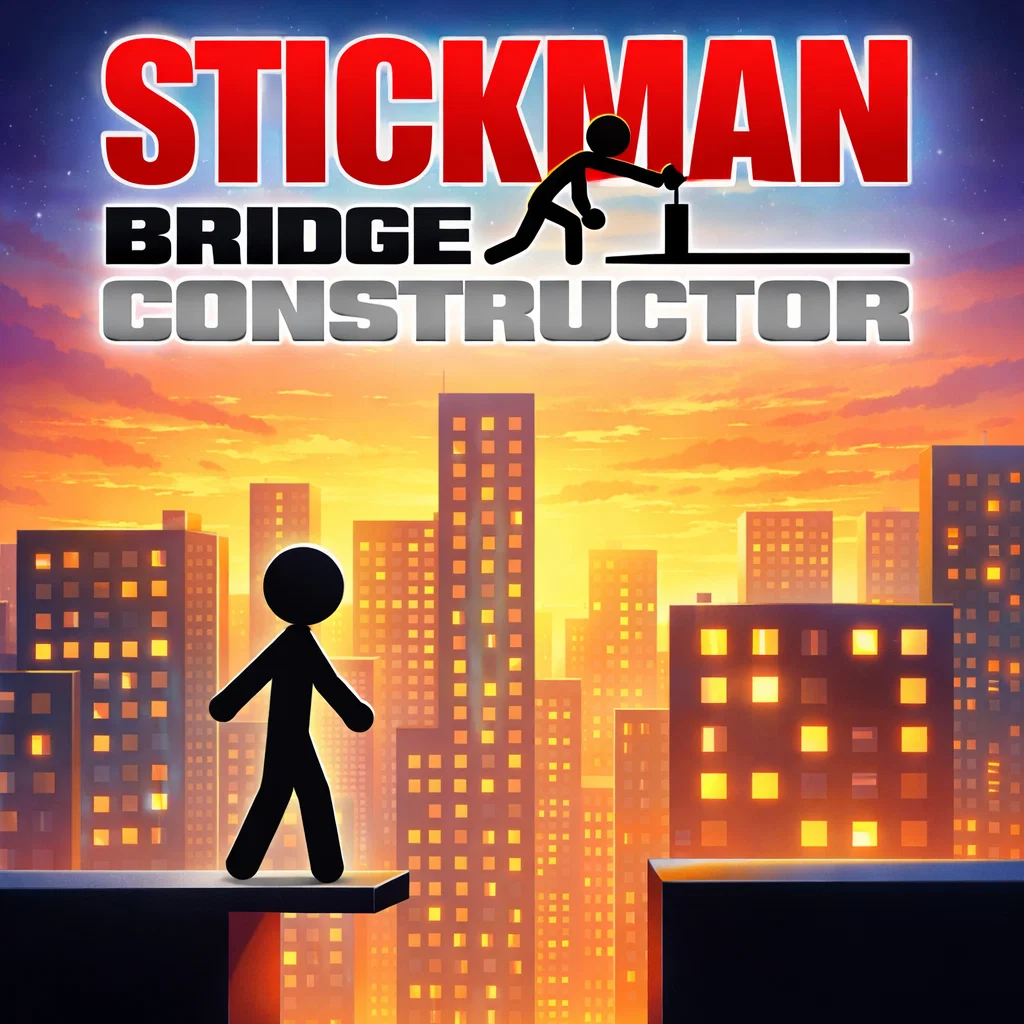
Stickman Bridge Constructor
Similar Games






Description
Introduction
Big gap ahead? No problem. In Stickman Bridge Constructor, you become the brain behind every bridge, helping your stickman cross rivers, cliffs, and crazy obstacles using smart building skills and a little bit of courage.
This fun physics-based puzzle game lets you draw and design strong bridges, then test them with real movement and gravity. Sometimes your bridge holds perfectly. Sometimes it crashes in a funny way. Either way, every level is a new challenge that makes you think, plan, and try again.
Play Stickman Bridge Constructor free and unblocked on gogamego.io. No downloads, no waiting—just instant browser gameplay on PC, tablet, or Chromebook. Click play and start building your strongest bridge today!
🎮 “Stickman Bridge Constructor” – Game Snapshot
- Genre: Physics Puzzle / Construction / Stickman Game
- Release Date: 2023
- Developer: Mirra Games
- Platforms: Web Browser (HTML5), Android
- Modes: Single-Player
What Is Stickman Bridge Constructor?
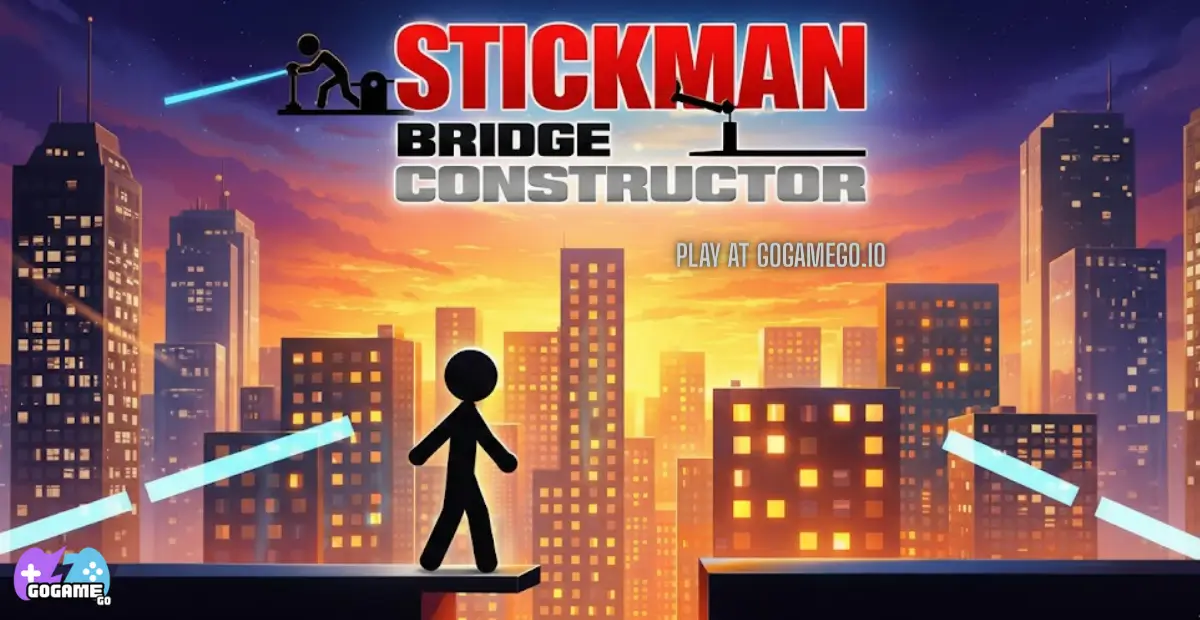
Stickman Bridge Constructor is a creative physics puzzle game where you design and test bridges to help a brave stickman cross tricky gaps. It’s made by Mirra Games, a developer known for simple, addictive games that are easy to start but hard to put down.
The game released in 2023 and has stayed popular thanks to improvements that make gameplay smoother, levels more fun, and performance better on browsers, tablets, and Chromebooks. Because it’s an HTML5 browser game, you can play instantly without downloading anything.
What makes this bridge builder special is the mix of creativity + real physics. Your bridge isn’t just a drawing—it has to handle weight, balance, and gravity. Some builds hold strong, and others collapse in a funny way, which makes kids want to try again and create an even better design.
It’s trending because physics construction games are perfect for short videos—bridge fails and big wins are super shareable on YouTube and TikTok. Plus, it’s free and unblocked, so players can jump in fast on gogamego.io at school or at home, anytime.
Gameplay Overview
Stickman Bridge Constructor is a fun and challenging physics-based construction game where your main goal is simple: build a strong bridge and help your stickman reach the finish line safely. But don’t let the simple idea fool you—each level introduces wider gaps, heavier vehicles, and trickier layouts that test your creativity and engineering skills.
You start with limited building materials and must carefully place supports, beams, and connectors. Once your bridge is ready, you press play and watch the physics engine bring it to life. If it collapses, you adjust your design and try again. That loop of build, test, improve is what makes this stickman bridge builder so addictive.
The progression system is level-based. Early stages are easy and teach the basics of balance and support placement. As you move forward, levels become more complex, requiring smarter weight distribution and stronger triangular structures. Completing stages unlocks new challenges and pushes you to think like a real bridge engineer.
How to Play
Your objective is to design a bridge that can handle the stickman’s weight and movement without breaking. Carefully connect structural lines between anchor points, reinforce weak areas, and test stability before sending your character across.
Each completed level brings a new puzzle. Some require longer spans. Others demand minimal materials. Success depends on planning ahead and understanding how gravity affects your build.
Controls
1-Player (PC):
Use the mouse to draw and connect bridge segments. Click to place joints and drag to create beams. Press the play button to test your construction.
2-Player Mode (if available):
Players can take turns designing bridges or compete by solving levels faster with smarter builds.
Mobile & Tablet (Touch Controls):
Tap to place points. Drag your finger to draw beams. Tap the test button to see if your bridge survives. The touch interface is smooth and optimized for kids.
Pro Tips
- Use triangles for strength: Triangle shapes distribute weight better than straight lines.
- Don’t overspend materials: More beams don’t always mean stronger bridges—smart placement matters.
- Reinforce the middle: The center usually carries the most weight.
- Test small adjustments: Minor tweaks can completely change stability.
- Watch how it breaks: Collapse points show you exactly where support is missing.
- Balance both sides: Uneven designs often tilt and fail.
- Keep it simple: Clean designs are usually stronger than messy ones.
- Learn from early levels: Master basic mechanics before rushing into harder challenges.
- Think like an engineer: Always ask where the weight will move before pressing play.
Key Features
Stickman Bridge Constructor combines smart design, fun physics, and creative freedom to create an exciting puzzle experience for kids and casual players. Here are the features that make it stand out:
- Realistic Physics Engine: Every bridge reacts to weight and gravity in real time. This makes gameplay feel authentic and helps players understand balance and structure naturally.
- Creative Bridge Building: Draw and connect beams your own way. There’s no single solution, which encourages creativity and problem-solving skills.
- Progressive Level System: Levels gradually become more challenging. This keeps players motivated while improving their strategy step by step.
- Instant Browser Play (HTML5): No downloads or installation required. Kids can start playing immediately on PC, Chromebook, or tablet.
- Free & Unblocked Access: Perfect for school-friendly gaming. Players can enjoy the full experience without restrictions.
- Simple Kid-Friendly Controls: Easy mouse and touch controls make it accessible for younger players while still offering depth.
- Replay Value: Failed bridges are funny, not frustrating. Players naturally want to retry and build a better, stronger design.
- Lightweight & Smooth Performance: Optimized gameplay ensures fast loading times and smooth performance even on low-end devices.
Game Modes
Stickman Bridge Constructor focuses mainly on creative problem-solving through structured levels, but the experience feels fresh thanks to increasing difficulty and smart progression.
Solo Mode: This is the core of the game. In single-player mode, you move through a series of physics-based bridge construction levels. Early stages teach the basics—placing supports, balancing weight, and understanding gravity. As you advance, gaps become wider, vehicles get heavier, and material limits become stricter. The challenge increases naturally, rewarding players with level completion progress and the satisfaction of mastering stronger structural designs. The real reward is improving your engineering strategy and solving each puzzle more efficiently.
Multiplayer Mode: The game is primarily designed as a single-player experience. There is no official online matchmaking system. However, players often compete informally by challenging friends to solve levels faster or build bridges using fewer materials.
Local Co-op: While there isn’t a built-in split-screen mode, local co-op works great by taking turns on the same device. One player designs a bridge, the other improves it. This encourages teamwork, communication, and shared problem-solving.
Tournament or Seasonal Modes: Currently, the game does not feature seasonal events or tournaments. The main focus remains on level-based progression and creative physics challenges, keeping gameplay simple, accessible, and fun for kids.
Characters & Customization
Even though Stickman Bridge Constructor focuses on smart building and physics puzzles, the stickman world feels alive thanks to fun character styles and light customization elements that make gameplay more personal and exciting for kids.
Characters
- Classic Builder Stickman: The original engineer with balanced weight and smooth movement. Perfect for beginners learning bridge mechanics.
- Speedy Rider: Moves faster across bridges, which makes weak structures collapse more easily. Great for players who want extra challenge.
- Heavy Worker: Slightly heavier than the default character. Tests your bridge strength more intensely and improves structural thinking.
- Mini Explorer: A lighter, smaller stickman ideal for narrow or minimal-material bridges. Easier for early levels.
- Challenge Driver: Uses small vehicles in certain stages, increasing pressure on support beams and making physics reactions more dramatic.
Customization
Customization adds personality without changing the core puzzle mechanics.
- Outfits & Skins: Change colors and simple costumes to make your stickman stand out.
- Color Variations: Pick bright or bold shades for a fun, kid-friendly look.
- Visual Effects: Small animation touches when crossing the finish line make victories more exciting.
- Bridge Style Choices: Experiment with different beam layouts and creative structures.
- Progress-Based Unlocks: Advancing through levels may unlock cosmetic upgrades that reward consistent play.
These features keep the experience fresh while letting players express creativity both in design and appearance.
Special Moves & Combos
While Stickman Bridge Constructor is mainly about smart building and physics strategy, experienced players develop “special moves” and smart building combos that make their bridges stronger, cheaper, and more reliable. These techniques aren’t buttons you press — they’re clever construction strategies that separate beginners from true bridge masters.
- Triangle Lock Build: Create connected triangles instead of flat lines. Triangles distribute weight evenly and prevent bending. Use this on wide gaps for maximum stability.
- Double-Layer Support: Add a second beam layer under the main road. This combo absorbs heavy weight and works best when vehicles are introduced.
- Center Reinforcement Drop: Strengthen the middle section before testing. Since most bridges collapse in the center, this move prevents early failure.
- Anchor Point Extension: Extend supports slightly beyond the edge anchors to reduce stress pressure. Perfect for longer spans.
- Minimal Material Strategy: Use fewer but smarter beams. Overbuilding adds weight and cost. Clean, efficient designs often perform better.
- Stress Test Retry: After a collapse, rebuild only the weak point instead of redesigning everything. This saves time and improves learning.
- Balanced Symmetry Combo: Mirror your design on both sides. Even weight distribution reduces twisting and tilt failures.
- Progressive Strength Upgrade: Start simple, test early, then reinforce step by step. This method prevents wasting materials.
Mastering these bridge-building combos turns frustrating fails into smooth crossings. The key strategy is to observe how gravity reacts, learn from each test, and improve your structure one smart move at a time.
Tips & Tricks
Becoming a true bridge master in Stickman Bridge Constructor takes more than placing random beams. Smart strategy, careful timing, and advanced building techniques will help you clear levels faster and with stronger designs.
- Start With a Strong Base: Always secure both ends before building the middle. A weak foundation guarantees collapse.
- Build in Triangles, Not Squares: Triangular structures resist bending and handle weight much better than flat shapes.
- Watch the Stress Points: After testing, notice where the bridge turns red or breaks. Reinforce only that section.
- Don’t Rush the Test Button: Double-check connections before sending the stickman across. One missing joint can ruin everything.
- Balance Left and Right: Uneven designs tilt under pressure. Keep your structure symmetrical whenever possible.
- Use Defensive Support Beams: Add diagonal braces underneath long roads to prevent sudden snapping.
- Save Materials Wisely: More beams add weight. Efficient, clean builds often outperform messy ones.
- Strengthen the Center: Most bridges fail in the middle. Extra support here increases survival chances.
- Test in Small Steps: Build part of the bridge and test early instead of finishing everything at once.
- Plan for Heavy Loads: If vehicles appear in later levels, prepare with double-layer supports.
- Learn From Every Collapse: Each failure teaches you how gravity works. Treat it as feedback, not defeat.
- Keep Designs Simple: Clean engineering beats complicated overbuilding almost every time.
With patience and smart thinking, you’ll turn fragile bridges into strong, reliable crossings that carry your stickman safely to victory.
Platforms & Technology
Stickman Bridge Constructor runs smoothly directly in your browser thanks to modern HTML5 technology. It works on Chrome, Edge, Firefox, Safari, and most updated web browsers without requiring plugins or downloads. The lightweight design ensures fast loading times and stable performance.
On desktop, players use precise mouse controls to draw beams and place supports accurately. On mobile and tablet, touch controls allow simple tap-and-drag building, making it kid-friendly and easy to play on the go. The gameplay experience remains consistent across devices.
The game may use browser-based physics rendering powered by WebGL for smooth animations and realistic structure movement.
Performance Tips: Close unused browser tabs, keep your browser updated, and use a stable internet connection for the best experience. Lower-end devices still run the game well due to its optimized construction engine.
Can I Play Stickman Bridge Constructor Unblocked?
Yes! You can play Stickman Bridge Constructor unblocked directly in your browser on gogamego.io. The game is fully accessible at school, work, or home without restrictions. Since it’s built with HTML5 technology, there’s no need for downloads, installations, or special software.
This free stickman bridge builder game loads instantly and runs smoothly on Chromebook, PC, tablet, and mobile devices. There are no annoying pop-ups or forced downloads—just click and start building. Because it’s browser-based, it works perfectly on school networks that allow safe online games.
If you’re looking for a fun, safe, and unblocked physics construction game, you can jump in anytime and start designing strong bridges without limits.
Similar Games
If you enjoy Stickman Bridge Constructor, try these kid-friendly, brain-boosting games on gogamego.io—perfect for quick browser play with fun physics, puzzles, and skill challenges.
- Zip Zap – Tap through smart physics puzzles where angles and timing matter.
- Marble Run 3D – Build tracks and guide marbles through bouncy 3D obstacles.
- Cut the Rope – Slice ropes to feed candy using simple, satisfying physics.
- Slash the Rope – A quick rope-cut puzzle game that rewards perfect timing.
- Bloxorz – Roll a block carefully and solve tricky platform puzzles.
- Basket and Ball – Bounce and move the ball to the hoop with physics-based puzzles.
- Stickman Hook – Swing, flip, and stick your landings through fun levels.
- Vex X3M – Fast stickman parkour with jumps, traps, and speed runs.
- Jelly Car Worlds – Drive a squishy car across wild tracks and physics bumps.
- Apple Worm – Use your growing worm body like a bridge to reach the exit.
Game History & Updates
Stickman Bridge Constructor first arrived in 2023, quickly becoming a favorite among kids and casual gamers who enjoy physics challenges and creative problem solving. From the moment it launched, players were drawn to its simple yet powerful build-and-test mechanics, fun stickman characters, and bright, engaging visuals. Because it runs in the browser with HTML5, no downloads or installs were required—perfect for quick play at school, home, or on the go.
Since its original release, developers have steadily improved the game with major updates and patches. Early versions focused on strengthening the physics engine and making controls more intuitive. Later updates added smarter level progression, new bridge scenarios, and optimized performance on mobile devices and tablets. These improvements helped keep gameplay fresh and encouraged players to return and tackle harder levels.
The community around Stickman Bridge Constructor has grown because of its shareable moments—especially funny bridge fails and clever solutions. Players often post clips on social platforms, inspiring others to try new building techniques and strategies. This organic sharing boosted the game’s popularity and helped it spread beyond traditional gaming circles into wider audiences who enjoy physics and engineering challenges.
Although there’s no formal roadmap publicly announced, the future looks promising. Fans expect new level packs, seasonal challenges, and possibly community-designed levels or bridge competitions. Continued updates will likely focus on player feedback, adding fresh puzzles and expanding the fun while keeping the core physics gameplay that makes this game so addictive.
FAQ
Is Stickman Bridge Constructor free to play?
Yes, the game is completely free to play on gogamego.io. You don’t need to download anything or create an account. Just open it in your browser and start building.
Can I play Stickman Bridge Constructor unblocked at school?
Yes. Since it’s an HTML5 browser game, it works on most school networks that allow safe online games. There are no downloads or extra plugins required.
Do I need to install anything to play?
No installation is needed. The game runs directly in your web browser on PC, Chromebook, tablet, or mobile device.
Why does my bridge keep collapsing?
Most bridges fail because of weak center support or poor weight distribution. Try using triangle shapes and reinforcing the middle section before testing again.
Is Stickman Bridge Constructor good for kids?
Yes. The game is kid-friendly and helps improve problem-solving, logical thinking, and creativity through fun physics challenges.
Does the game have multiplayer mode?
The main gameplay is single-player. However, friends can take turns building bridges on the same device and challenge each other to create stronger designs.
Can I play on mobile devices?
Yes. The touch controls are smooth and easy to use on smartphones and tablets, making it perfect for on-the-go gaming.
How many levels are in the game?
The game features multiple progressive levels that increase in difficulty. New challenges may be added through updates.
What is the best strategy to win?
Focus on balance, use triangular supports, reinforce stress points, and avoid overbuilding. Smart, simple designs are usually the strongest.
Conclusion
Stickman Bridge Constructor is more than just a simple stickman game—it’s a fun, brain-boosting physics adventure where creativity meets smart engineering. Every level challenges you to think carefully, balance weight, and design stronger bridges. Whether you enjoy puzzle games, construction challenges, or just funny stickman moments, this game delivers exciting gameplay that keeps you coming back for more.
Because it’s free, unblocked, and playable directly in your browser, you can jump in anytime without downloads or waiting. It works smoothly on PC, Chromebook, tablet, and mobile, making it perfect for quick sessions at school, home, or on the go.
If you’re ready to test your building skills, improve your strategy, and create the strongest bridge possible, don’t wait. Start playing Stickman Bridge Constructor now on gogamego.io and see if your design can survive the challenge!