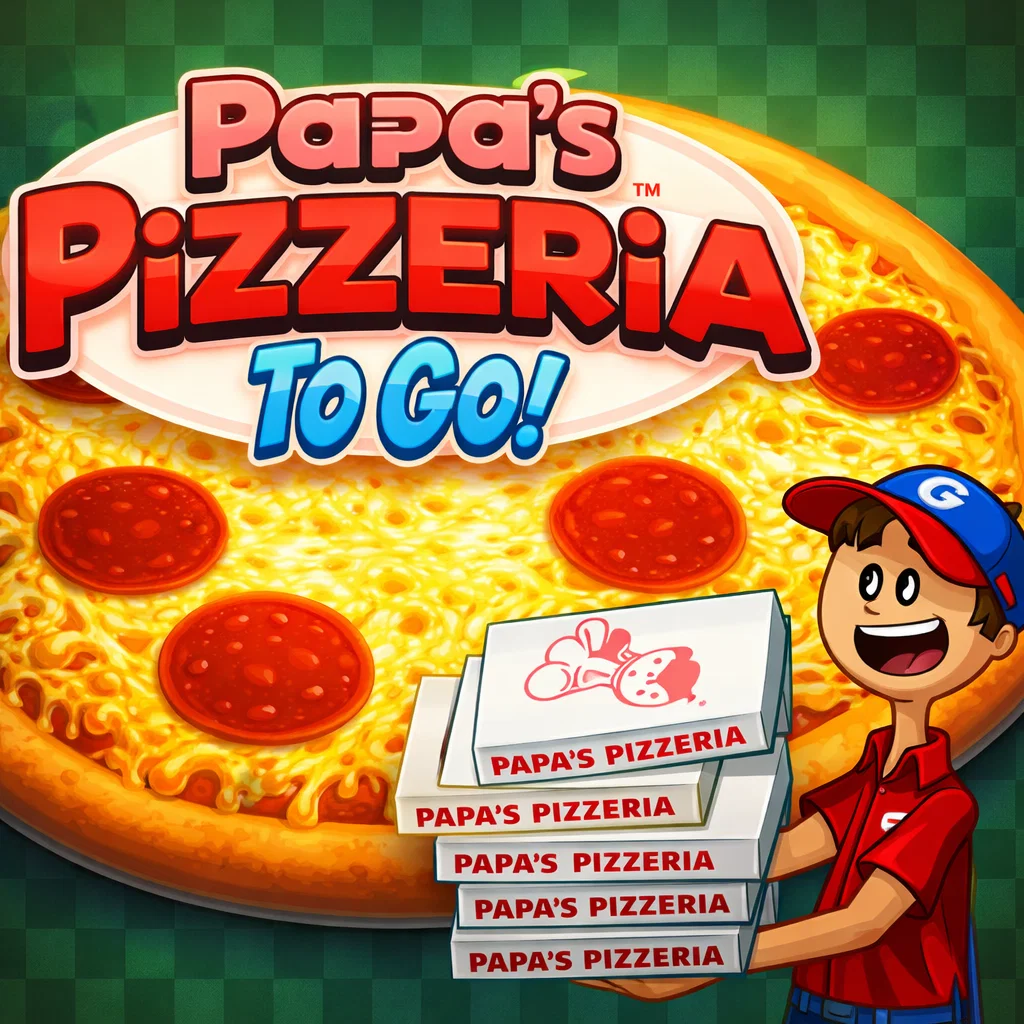
Papa’s Pizzeria
Similar Games






Description
Introduction
Step into the fun and tasty world of Papa's Pizzeria on gogamego.io, where every day feels like pizza day!
This colorful and exciting pizza game lets you run your very own pizzeria. Take orders, add delicious toppings, bake pizzas to perfection, and serve hungry customers as fast as you can.
Kids love Papa's Pizzeria because it’s easy to play, super satisfying, and full of cheerful characters. Each level brings new challenges that make the game even more fun.
You can play Papa's Pizzeria online for free, unblocked, and instantly in your browser—no downloads, no sign-ups, just pure gaming fun.
Click play now and start your pizza adventure today on gogamego.io!
🎮 Papa's Pizzeria – Game Snapshot
- Genre: Cooking Game, Time Management Game
- Release Date: 2007
- Developer: Flipline Studios
- Platforms: Web Browser (PC & Laptop)
- Modes: Single Player
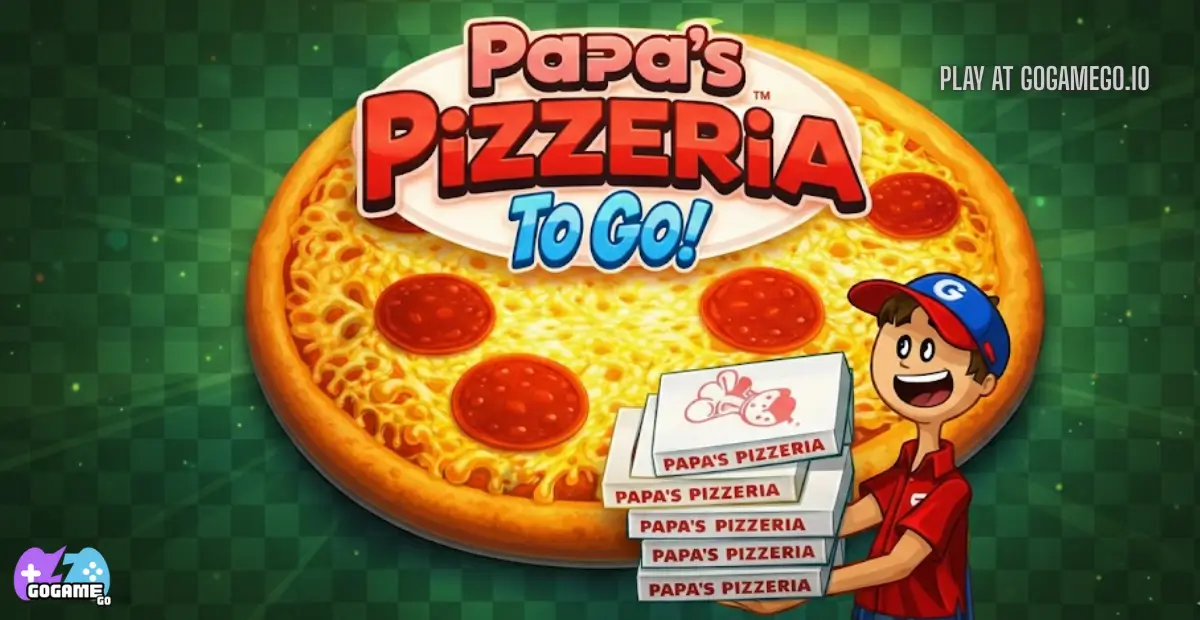
What Is Papa's Pizzeria?
Papa's Pizzeria is a fun and fast-paced pizza-making game where players run their own restaurant and try to keep every customer happy. You take orders, spread sauce, add toppings, bake pizzas just right, slice them carefully, and serve them on time. The better you perform, the more tips you earn and the busier your pizzeria becomes.
The game was created by Flipline Studios, a developer well known for making colorful, kid-friendly cooking games that are easy to play and hard to stop. Papa's Pizzeria was first released in 2007 and quickly became a classic. Over time, it inspired many sequels and updates across the Papa’s games series, each adding new ingredients, tools, and challenges.
What makes Papa's Pizzeria special is its perfect balance of simplicity and skill. Anyone can start playing in seconds, but mastering perfect timing and accuracy takes practice. The game rewards focus, speed, and creativity, which keeps players coming back for “just one more day” in the pizzeria.
Today, Papa's Pizzeria is trending again because players love free, unblocked browser games that work instantly with no downloads. Kids enjoy the bright visuals and food theme, while older players return for nostalgia. That mix of fun gameplay and classic charm is why Papa's Pizzeria remains one of the most popular online cooking games.
Gameplay Overview
puts you in charge of a busy pizza restaurant where speed, accuracy, and happy customers are the keys to success. Each workday starts with taking orders at the counter, then moving into the kitchen to build pizzas exactly the way customers want them.
Your main objective is to prepare each pizza correctly and serve it as quickly as possible. Customers rate you on order accuracy, baking time, slicing precision, and speed. Higher scores earn bigger tips, which help you progress faster and unlock upgrades.
As you advance, the game becomes more challenging. New customers arrive with complex orders, more toppings become available, and multitasking becomes essential. The progression system is day-based, meaning every completed shift moves you closer to becoming a true pizza master.
Rewards include higher tips, better customer patience, and improved tools that make your workflow smoother. Your long-term goal is to maintain perfect service while handling a growing rush of hungry customers.
Key Features
stands out as a classic cooking game because every feature is designed to be fun, rewarding, and easy to understand for kids while still offering real challenges.
- Hands-on pizza making: Players control every step, from adding sauce to slicing pizzas. This makes the gameplay feel creative and helps improve focus and coordination.
- Time management gameplay: Balancing multiple orders teaches players how to plan ahead and work efficiently, which keeps each level exciting instead of repetitive.
- Customer rating system: Each customer scores your performance based on accuracy and speed. This gives clear goals and motivates players to improve every day.
- Progressive difficulty: New ingredients and tougher orders appear as you advance, keeping the game fresh and rewarding long-term play.
- Simple, kid-friendly controls: Easy mouse or touch controls make the game accessible to younger players while still allowing precise actions.
- Rewarding upgrade system: Earning tips unlocks helpful upgrades that reduce stress and make busy shifts easier to manage.
- Bright visuals and cheerful characters: The colorful art style creates a fun atmosphere that keeps kids engaged and happy while playing.
These features work together to create a fun, skill-building experience that keeps players coming back to Papa's Pizzeria again and again.
Game Modes
is built around a focused, skill-based experience that rewards practice, timing, and attention to detail. While it may look simple at first, its game mode structure is designed to keep players engaged for many hours.
Solo Mode is the core and only playable mode in Papa's Pizzeria. In this mode, you run the pizzeria by yourself, handling everything from taking orders to baking and serving pizzas. The difficulty increases gradually as more customers arrive, orders become more complex, and patience levels shorten. Rewards come in the form of tips, daily performance scores, and unlockable upgrades that help you work faster and more accurately. This steady progression makes Solo Mode satisfying and perfect for kids learning time-management skills.
Multiplayer Mode is not available in Papa's Pizzeria. The game does not support online play, matchmaking, or competitive multiplayer features. Instead, it focuses entirely on a single-player experience where personal improvement is the main challenge.
Local Co-op is also not supported. There is no split-screen or shared control option. However, many players enjoy taking turns with friends or family, comparing scores and tips at the end of each day, which adds a fun social element outside the game itself.
Tournament or Seasonal Modes are not included. That said, the day-by-day progression system acts like a personal challenge mode, encouraging players to beat their previous scores and master every station.
This focused design is part of why Papa's Pizzeria remains a timeless favorite.
Characters & Customization
may be a cooking game, but its characters and upgrade system give it lots of personality and replay value. From familiar faces behind the counter to memorable customers, every character adds charm to the experience.
Characters
- Roy: One of the main playable characters. He is calm, reliable, and great for beginners learning how the pizzeria works.
- Joy: The second playable option. She brings the same skills as Roy but gives players a fresh visual style and personality.
- Papa Louie: The owner of the pizzeria. He sets the rules, introduces upgrades, and is the heart of the Papa’s game series.
- Mitch: A picky customer who demands perfect pizzas. Serving him well is challenging but very rewarding.
- Sasha: A stylish customer with specific topping preferences. She tests your accuracy and attention to detail.
Customization
Customization in Papa's Pizzeria focuses on upgrades rather than character outfits. Players can unlock tools and equipment that improve workflow and customer patience.
Upgrades include faster ovens, order timers, and helpful kitchen items that reduce mistakes during busy shifts. Visual customization is minimal, but gameplay upgrades make a huge difference, helping players earn higher scores, bigger tips, and smoother progress through the game.
This simple but smart system keeps the focus on skill, making every improvement feel earned and meaningful.
Special Moves & Combos
doesn’t use traditional fighting-style combos, but skilled players develop special techniques and efficient workflows that feel like powerful “moves.” Mastering these advanced actions helps you earn higher scores, bigger tips, and happier customers.
- Perfect Order Memory: Quickly memorizing orders before leaving the counter lets you build pizzas without rechecking tickets. This saves time and boosts your speed score.
- Balanced Topping Placement: Placing toppings evenly across slices improves accuracy ratings. Focus on symmetry to avoid losing points.
- Golden Bake Timing: Pulling pizzas out of the oven at the exact perfect moment earns top bake scores. Watch the timer closely instead of multitasking too long.
- Clean Slice Technique: Dividing pizzas into equal slices increases slicing accuracy. Smooth, confident cuts work better than rushed ones.
- Station Flow Combo: Moving efficiently from order station to build, bake, and cut stations creates a smooth workflow that reduces idle time.
- Customer Priority Switch: Serving impatient customers first prevents low ratings and protects your daily score.
- Upgrade Synergy: Combining helpful upgrades, like timers and faster ovens, creates a powerful efficiency boost during busy days.
The best strategy is staying calm and consistent. These techniques work together like combos, turning simple actions into high-scoring performances. With practice, your pizzeria will run like a well-oiled machine.
Tips & Tricks
may look simple, but smart strategies can greatly improve your scores and tips. These tips mix timing, planning, and advanced techniques to help you run the pizzeria like a pro.
- Read the full order first: Take one extra second at the counter to understand topping placement and slice count. This prevents costly mistakes later.
- Memorize before moving: Train yourself to remember orders so you don’t need to check tickets repeatedly, saving valuable time.
- Start baking early: Get pizzas into the oven as soon as possible so you can multitask while they cook.
- Use visual balance: Even topping placement matters more than speed for high accuracy scores.
- Defensive serving: Always serve the most impatient customer first to avoid major score penalties.
- Don’t rush slicing: Clean, even cuts give better results than fast, messy slices.
- Watch the oven meter: Pull pizzas at the perfect bake point—overcooking hurts more than being slightly slow.
- Upgrade wisely: Buy tools that reduce stress, like order timers or faster ovens, before cosmetic improvements.
- Create a station rhythm: Move through stations in the same order every time to avoid confusion.
- Stay calm under pressure: Panicking leads to errors; steady actions earn better daily ratings.
- Learn from bad days: Low scores show exactly where you need to improve—use them as practice.
Using these tricks together turns busy shifts into smooth, high-scoring days and helps you master Papa's Pizzeria faster.
Platforms & Technology
is designed to be easy to access and smooth to play across modern devices, making it perfect for quick gaming sessions.
The game runs directly in your web browser with no downloads required. It is compatible with popular browsers like Chrome, Edge, Firefox, and Safari, ensuring stable performance on most systems.
On desktop and laptop, players use a mouse for precise control, which makes topping placement, baking, and slicing easier. On mobile and tablet, touch controls allow tapping and dragging, offering a more casual but still enjoyable experience, especially for younger players.
Originally built using Flash technology, Papa's Pizzeria is now commonly supported through HTML5-based emulation on modern gaming platforms, allowing it to run smoothly without plugins.
Performance tips: close unused browser tabs, use an updated browser, and play in full-screen mode for the best experience and faster response times.
Can I Play Papa's Pizzeria Unblocked?
can be played unblocked, making it a great choice for kids and casual players who want quick fun without restrictions.
On platforms like gogamego.io, you can enjoy Papa's Pizzeria at school, work, or home, even on networks that usually block games. Since it runs directly in your browser, there’s no need to install apps, extensions, or extra software.
The game is 100% online, which means no downloads, no sign-ups, and no complicated setup. Just click play and jump straight into managing your pizzeria. This makes it safe, fast, and easy for younger players.
Another big advantage is the clean experience. You can play with no annoying ads interrupting gameplay, so kids can stay focused on making pizzas and having fun.
If you’re looking for a free, unblocked Papa's Pizzeria game that works instantly, gogamego.io is the perfect place to play.
Similar Games
If you enjoy Papa’s Pizzeria, you’ll probably love these kid-friendly cooking and management games too. They’re all quick to start, easy to learn, and perfect for short breaks at school, work, or home.
- Vortelli’s Pizza – Another pizza shop challenge with fast orders, topping accuracy, and satisfying oven timing.
- Burger Bounty – Build burgers at lightning speed, stack orders correctly, and upgrade your busy fast-food kitchen.
- Rainy Boba Cafe – A cozy drink-making game where you mix bubble tea, serve cute customers, and decorate your café.
- Idle Restaurants – Grow a food empire with smart upgrades, smoother workflows, and rewarding progress over time.
- Monkey Mart – Run a funny little supermarket, restock shelves, and keep shoppers happy as your store expands.
- Raccoon Retail – Manage store chaos as a speedy raccoon and keep everything clean, organized, and moving.
- Supermarket Master – Restock products, expand aisles, and upgrade your market for smoother, faster customer service.
- Checkout Frenzy – A quick, silly shopping-and-checkout rush that’s great for reflexes and timing.
- My Perfect Hotel – A fun hotel tycoon where you clean rooms, help guests, and unlock bigger buildings.
- Papa’s Cupcakeria – Bake, frost, and decorate cupcakes with perfect timing and neat designs to earn bigger tips.
Game History & Updates
first opened its virtual doors in 2007, created by Flipline Studios. It quickly became a beloved classic among kids, teens, and casual gamers for its simple yet addictive pizza-making gameplay. In a time when browser games were booming, Papa’s Pizzeria stood out by combining easy controls with satisfying kitchen challenges, making every day feel like a fun, fast-paced pizza rush.
Over the years, the game received updates that polished the experience, added quality-of-life improvements, and inspired a whole series of “Papa’s” games like Papa’s Cupcakeria and Papa’s Freezeria. Although Papa’s Pizzeria itself didn’t get major patch releases due to its simple design, the franchise expanded with new mechanics, toppings, and seasonal events in other titles, showing how much players loved the core cooking and time-management style.
Community enthusiasm helped keep the game alive, with players sharing tips, high scores, and custom strategies on forums and social platforms. The nostalgia factor continues to attract new players while older fans revisit Papa’s Pizzeria for a timeless challenge.
As browser technology evolved away from Flash toward HTML5 and emulation support, the game stayed relevant by being playable on modern platforms like gogamego.io, where players can enjoy it unblocked and for free. While there’s no official roadmap yet, fans often hope for remastered versions or new Papa’s Pizzeria features in future releases from Flipline Studios.
FAQ
Here are answers to the most common questions players ask about , especially when playing online on kid-friendly gaming sites.
Is Papa's Pizzeria free to play?
Yes, Papa's Pizzeria is completely free to play online. You don’t need to pay, sign up, or download anything to start playing.
Can I play Papa's Pizzeria unblocked at school?
Yes, on platforms that support unblocked browser games, you can play it at school, work, or home without restrictions.
Do I need to download Papa's Pizzeria?
No downloads are required. The game runs directly in your web browser, making it quick and safe for kids.
Is Papa's Pizzeria safe for children?
Yes, the game is family-friendly, with no violence, no chat, and simple controls designed for younger players.
What devices can I play it on?
You can play on PC, laptops, tablets, and many mobile devices using a modern web browser.
Does Papa's Pizzeria have multiplayer mode?
No, the game is single-player only. The challenge comes from managing time and improving your own scores.
Why is my score low even when I’m fast?
Speed matters, but accuracy is just as important. Uneven toppings, overbaking, or messy slices can lower your score.
Can I save my progress?
Some platforms allow progress saving through browser storage, but it depends on where you play.
Are there updates or new versions?
The original game remains classic, while newer Papa’s games expand the series with fresh features.
These FAQs help new players get started and enjoy Papa's Pizzeria with confidence.
Conclusion
remains one of the most enjoyable and kid-friendly cooking games ever made. Its simple controls, colorful characters, and satisfying pizza-making process make it perfect for players of all ages. Whether you enjoy fast-paced time management or creative food games, Papa’s Pizzeria delivers fun that never feels boring.
The game helps players build useful skills like focus, planning, and quick decision-making, all while having fun in a cheerful restaurant setting. With no downloads, no complicated setup, and unblocked browser access, it’s easy to jump in anytime, anywhere. Each day in the pizzeria feels rewarding as you earn tips, unlock upgrades, and improve your performance.
If you’re looking for a safe, free, and engaging game that works smoothly on modern devices, Papa’s Pizzeria is a perfect choice. It’s ideal for short breaks, after-school fun, or relaxing gameplay at home.
Start your pizza adventure today on gogamego.io—click play, run your own pizzeria, and see how many happy customers you can serve!