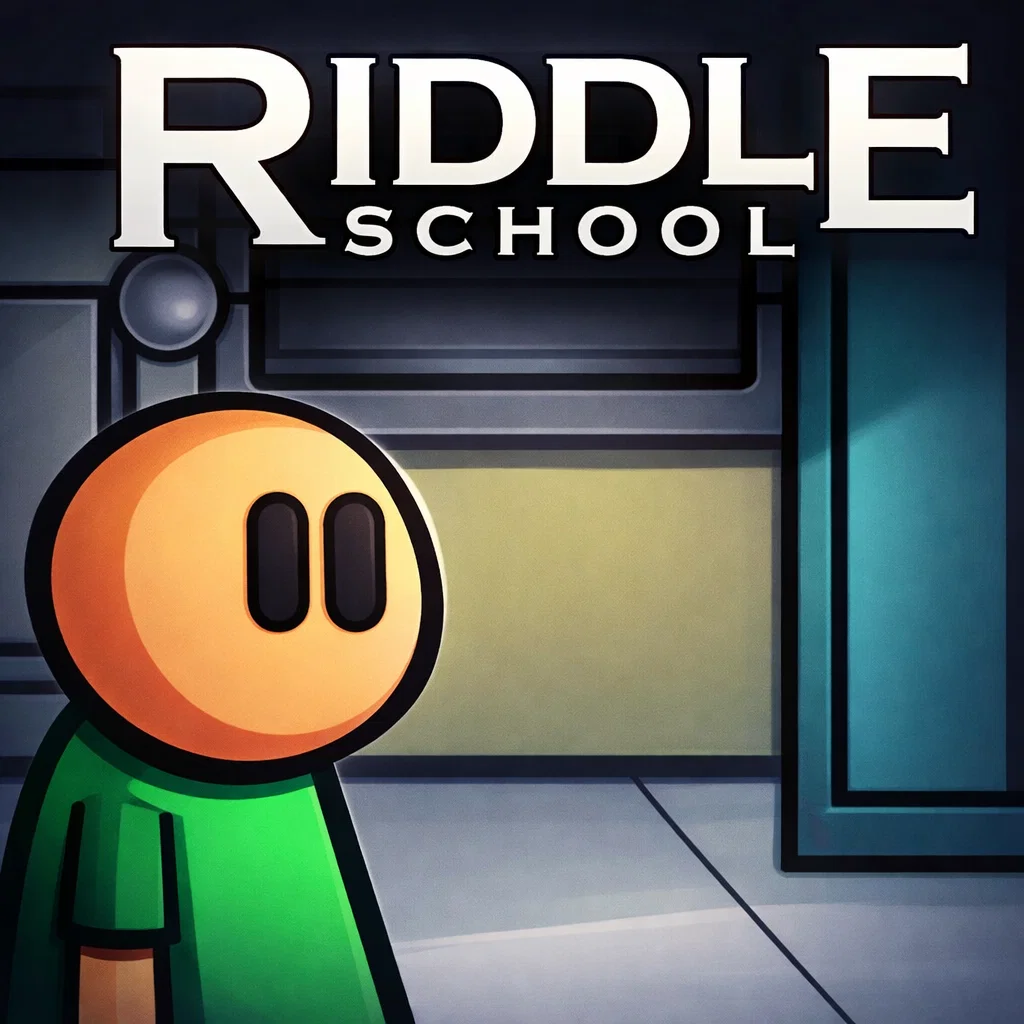
Riddle school
Similar Games



Description
Introduction
Class feels boring for Phil Eggtree, and he has one simple goal: escape! In Riddle School, every hallway, classroom, and locker hides clues that can help you sneak out. Look around carefully, click on objects, and solve clever puzzles to find your way to freedom.
This classic point and click puzzle game became a favorite among kids because it mixes humor, simple challenges, and a fun school adventure. The controls are easy, the puzzles are smart, and each discovery feels like a small victory.
Many players search for Riddle School unblocked because it is perfect for quick breaks and browser play. You don’t need downloads or installs—just open the game and start exploring the school while helping Phil plan the perfect escape.
If you enjoy escape games, brain puzzle games, and classic Flash-style adventure games, this school mystery will keep you thinking and smiling at the same time.
Play Riddle School free on gogamego.io and see if you can solve every puzzle and escape the school before the teachers notice.
🎮 Riddle School – Game Snapshot
- Genre: Puzzle, Point-and-Click, Escape Game
- Release Date: 2006
- Developer: JonBro (Jonochrome)
- Platforms: Web Browser (PC, Chromebook, Mobile Browser)
- Modes: Single-player
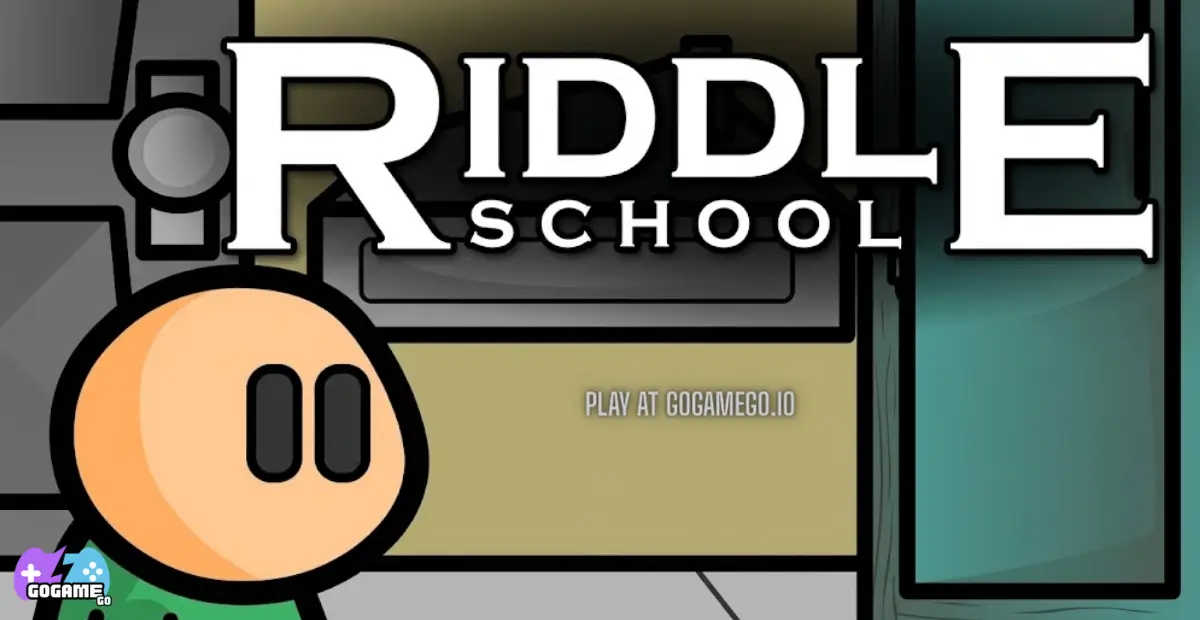
What Is Riddle School?
Riddle School is a classic point-and-click puzzle game where players help a bored student named Phil Eggtree escape from school by solving clever riddles and interacting with objects around him. Instead of action or speed, the game focuses on observation, logic, and a bit of humor, making it perfect for kids who enjoy thinking their way through challenges.
The game was created by indie developer JonBro, later known as Jonochrome. He released the first Riddle School game in 2006 as a small Flash project. Even though the game started as a simple browser experiment, it quickly gained attention on gaming portals because of its funny dialogue, creative puzzles, and easy controls.
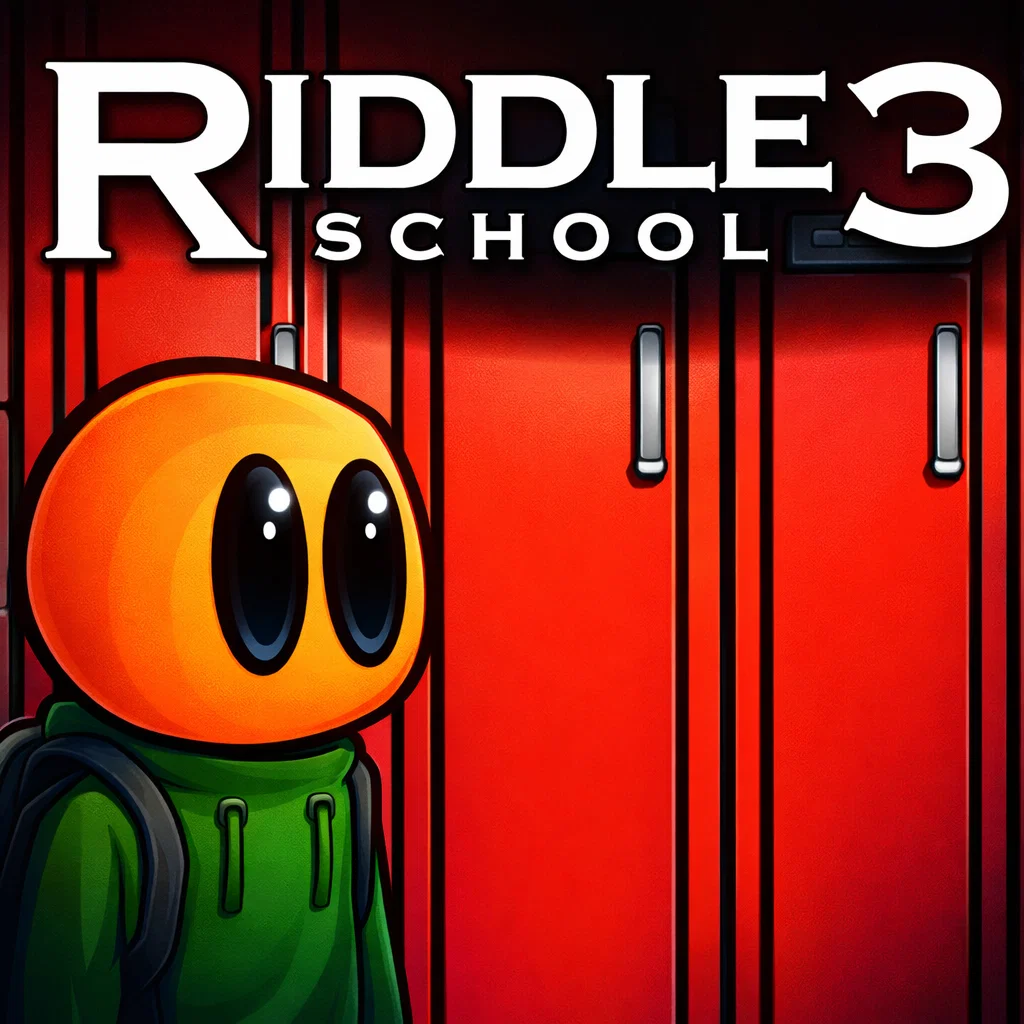
As the popularity grew, the developer expanded the story with more titles in the series, including Riddle School 2, Riddle School 3, Riddle School 4, and Riddle School 5, followed by the larger adventures Riddle Transfer and Riddle Transfer 2. Each game builds on the same idea: explore rooms, collect items, talk to characters, and solve puzzles to move forward.
The unique charm of Riddle School comes from its simple design and playful storytelling. The puzzles are clever but never frustrating, and the school setting makes every moment feel familiar and funny for younger players.
Today, the game is trending again as players search for Riddle School online and Riddle School unblocked to enjoy classic browser games without downloads. Its short playtime, nostalgic Flash style, and creative puzzles keep it popular among fans of puzzle games, escape games, and retro web games.
Gameplay Overview
Riddle School is a lighthearted point-and-click puzzle adventure where your mission is simple: help Phil Eggtree escape from school. Instead of rushing through levels or fighting enemies, the game focuses on exploring classrooms, talking to characters, and figuring out how different objects can help you move forward.
Every room hides clues. Some items open doors, others unlock new conversations, and a few are part of clever puzzle solutions. The fun comes from experimenting, observing carefully, and thinking like a detective inside a silly school world.
Because the gameplay is simple and the puzzles are short, it’s perfect for kids who enjoy brain games, escape room challenges, and classic browser adventures.
How to Play
Your goal in Riddle School is to escape from school by solving puzzles and collecting useful items. Each classroom, hallway, or office contains interactive objects that might help you progress.
Click around the environment to inspect desks, lockers, doors, and other items. Sometimes you will discover a hidden object, and other times you will trigger a funny conversation that reveals a clue.
The progression system is puzzle-based rather than level-based. Each solved challenge unlocks the next step in Phil’s escape plan.
- Explore every room carefully.
- Collect useful items that appear in your inventory.
- Use those items on the correct objects or characters.
- Solve puzzles to unlock new areas.
- Continue until you find the final way out of school.
Because the game is short and clever, many players replay it to discover all the funny dialogue and puzzle solutions.
Controls
The controls in Riddle School are designed to be simple and kid-friendly, making the game easy to enjoy on almost any device.
- Mouse: Click to move, interact with objects, pick up items, and talk to characters.
- Inventory Click: Select an item and click where you want to use it.
- Single Player Mode: The entire adventure is designed for one player solving puzzles.
- Two Player Mode: Not available — the game focuses on a solo puzzle experience.
For mobile players, the game works smoothly with touch controls.
- Tap: Interact with objects and characters.
- Tap Items: Select inventory items and use them on the screen.
- Tap Areas: Move between rooms and explore new locations.
Pro Tips
- Click everything you see: Many puzzles hide clues in small details like posters, desks, or lockers.
- Talk to every character: Conversations often contain hints about what you should do next.
- Check your inventory often: Items you collect can be used in unexpected ways later.
- Think like a prankster: Some puzzle solutions are funny or silly, so creative thinking helps.
- Explore each room completely: Before leaving a location, make sure you didn’t miss anything important.
- Combine clues together: A hint from one room might help you solve a puzzle in another area.
- Don’t rush: Taking a moment to observe the environment often reveals the solution.
- Replay the game: Playing again helps you discover faster puzzle paths and hidden jokes.
- Watch character reactions: Sometimes a character’s response tells you if you are on the right track.
Key Features
Riddle School stands out among classic browser puzzle games because it mixes humor, clever thinking, and simple gameplay that kids can enjoy instantly. Every feature is designed to keep the adventure fun while encouraging players to explore and solve problems.
- Fun Point-and-Click Gameplay – The easy click-based controls make the game simple for kids to understand. Players can explore rooms, interact with objects, and solve puzzles without complicated mechanics.
- Creative Puzzle Challenges – Each puzzle requires observation and logical thinking. This keeps players engaged while helping develop problem-solving skills in a playful way.
- Funny Characters and Dialogue – The characters inside the school add humor to the adventure. Their funny responses and quirky personalities make the game entertaining from start to finish.
- Classic School Escape Story – The goal of helping Phil escape school creates a relatable and exciting challenge. Kids enjoy the playful idea of outsmarting teachers and sneaking out through clever puzzles.
- Quick and Accessible Gameplay – The game can be completed in a short session, making it perfect for quick breaks or casual play without needing hours of time.
- No Downloads Required – You can play Riddle School online directly in your browser. This makes it fast to start and accessible on school computers, Chromebooks, and home devices.
- Kid-Friendly Puzzle Adventure – The simple design and light humor make the game safe and enjoyable for younger players who want a fun brain challenge.
Game Modes
Riddle School focuses on a story-driven puzzle experience where players help Phil Eggtree escape from school. Unlike competitive games, the adventure is built around exploration, logic, and discovering the right solution for each puzzle. The gameplay encourages patience, curiosity, and clever thinking.
Solo Mode
The main way to enjoy Riddle School is through its single-player puzzle adventure. In this mode, you guide Phil through different rooms in the school while searching for items and clues that will help him escape.
The mechanics are simple: click objects to inspect them, talk to characters, collect useful items, and use those items in the right place to unlock the next step in the story.
The difficulty stays friendly for younger players. Most puzzles rely on observation and humor rather than complex logic, making the game fun without becoming frustrating.
Instead of rewards like coins or upgrades, the real reward is progression. Every solved puzzle unlocks a new part of Phil’s escape plan, new dialogue, and the final goal of sneaking out of school successfully.
Multiplayer Mode
Riddle School does not include an online multiplayer mode or matchmaking system. The game was designed as a solo puzzle adventure where one player explores the school and solves each challenge step by step.
However, many players enjoy sharing the experience with friends by solving puzzles together, discussing possible solutions, and figuring out the escape plan as a team.
Local Co-op
While there is no official co-op mode, local cooperative play can still be fun. Two players can sit together and take turns controlling the mouse while discussing clues and puzzle solutions.
This makes the game feel like a small teamwork challenge where players combine ideas to solve puzzles faster and discover hidden details they might miss alone.
Tournament or Seasonal Modes
Because Riddle School is a story-based puzzle game, it does not feature tournaments, leaderboards, or seasonal events. The focus is on the adventure itself and the satisfaction of completing Phil’s escape.
Players often replay the game to improve their puzzle-solving speed or explore the full Riddle School series, which continues the story with new puzzles and bigger adventures.
Characters & Customization
The world of Riddle School is filled with funny characters that make the puzzle adventure more entertaining. Each person Phil meets inside the school has a unique personality and often holds a clue, item, or hint that helps move the story forward. Talking to these characters is an important part of solving puzzles and escaping the school.
Characters
- Phil Eggtree – The main character and the student you control. Phil is bored with class and determined to escape school using clever thinking. His curiosity and persistence drive the entire adventure.
- Mr. Soggy – Phil’s classroom teacher who appears tired and uninterested in what is happening around him. His sleepy personality adds humor and helps create opportunities for Phil to sneak around.
- Smiley – A cheerful student known for his constant smile. Smiley’s friendly attitude contrasts with the boredom of the classroom, and interacting with him can reveal helpful information.
- Hall Monitor – One of the biggest obstacles in Phil’s escape plan. The hall monitor watches the corridors carefully, forcing players to think creatively about how to move around the school.
- Chubb – A quiet student sitting in the classroom who often seems uninterested in what is happening. His calm personality fits the relaxed tone of the game.
Customization
Riddle School focuses on puzzle-solving and story progression rather than character customization. Players cannot change outfits, colors, or abilities.
Instead, the game uses an inventory system where players collect useful items throughout the school. These items act like tools that help unlock new areas or solve specific puzzles.
- Collect keys and objects to unlock doors.
- Use inventory items on characters or objects to trigger events.
- Combine clues from different rooms to progress in the story.
This simple system keeps the focus on exploration, creative thinking, and discovering the smartest way for Phil to escape the school.
Special Moves & Combos
Unlike fighting or action games, Riddle School does not use combat moves or attack combos. Instead, the game is built around clever puzzle interactions, item usage, and smart exploration. These “moves” are the strategies players use to solve challenges and move Phil closer to escaping the school.
Mastering these gameplay actions helps players progress faster and discover hidden solutions inside the classrooms and hallways.
- Observation Move – Carefully inspect every part of the room. Posters, desks, lockers, and characters often hide clues. Taking a moment to look around before clicking randomly helps reveal puzzle hints quickly.
- Item Collection Strategy – Collect every useful object you find. Items such as keys or small tools often unlock new paths later in the game. Keeping track of your inventory makes puzzle solving much easier.
- Inventory Combo – Some puzzles require using items at the correct moment. Selecting an item from your inventory and clicking on the right object or character can trigger a new event or unlock a door.
- Dialogue Discovery – Talking to characters is more than just funny conversation. Many characters give hints or reactions that guide players toward the next puzzle solution.
- Room Exploration Loop – If you feel stuck, revisit earlier rooms. Sometimes a clue you missed becomes obvious after discovering new information elsewhere.
- Trial-and-Think Method – Trying different interactions helps players understand how the environment works. Even failed attempts can reveal helpful hints.
- Clue Connection Strategy – Combine information from different parts of the school. A clue from one classroom might help solve a puzzle in the hallway or another room.
- Smart Escape Planning – Think about Phil’s final goal. Every puzzle is part of a bigger escape plan, so focusing on how each solution moves you closer to the exit helps solve challenges faster.
Using these strategies turns the simple puzzle mechanics of Riddle School into a fun thinking adventure where every discovery brings Phil one step closer to freedom.
Tips & Tricks
Escaping in Riddle School is all about clever thinking, careful observation, and using the right item at the right time. The puzzles may look simple at first, but small details often hide the key to moving forward. These tips will help players progress faster and enjoy the adventure even more.
- Explore every corner of the room – Click on desks, posters, lockers, and even characters. Many clues in Riddle School are hidden in places players might overlook at first glance.
- Collect items as soon as you find them – Objects you pick up early in the game often become useful later. Always keep track of what’s in your inventory.
- Pay attention to character dialogue – Conversations with classmates or teachers can reveal hints about puzzle solutions or hidden objects.
- Think creatively about item use – Some puzzles require using items in unexpected ways. Try different combinations if the solution is not obvious.
- Return to previous rooms – If you feel stuck, revisit earlier areas. New clues or items may open opportunities you didn’t notice before.
- Take your time observing – Rushing through rooms can make you miss important details. Slow exploration often reveals puzzle answers quickly.
- Follow the escape objective – Remember that Phil’s goal is to get out of school. Focus on actions that help unlock doors or create new paths.
- Use logic before guessing – Many puzzles in Riddle School have simple logical solutions once you understand the clues.
- Watch how characters react – Sometimes a character’s response will show whether you are moving in the right direction.
- Replay the game for faster solutions – Playing again helps you memorize puzzle steps and discover shortcuts.
- Stay patient with tricky puzzles – If something feels confusing, step back and look at the room again. The answer is usually hidden in plain sight.
- Have fun with the humor – The funny dialogue and silly situations are part of what makes the game memorable, so enjoy the adventure while solving puzzles.
Platforms & Technology
Riddle School is designed to run smoothly directly in your web browser, making it easy to play on many different devices. Modern versions of the game work with popular browsers like Chrome, Firefox, Edge, and Safari, so most players can start playing instantly without installing anything.
The game is fully playable on both desktop and mobile devices. On desktop computers and laptops, players use a mouse to click objects, explore rooms, and interact with characters. On smartphones and tablets, simple tap controls replace mouse clicks, allowing the same puzzle gameplay with touch input.
Most browser versions today run using HTML5 technology, which replaced the original Flash format. This ensures better compatibility, faster loading times, and safer gameplay on modern systems.
For the best performance, keep your browser updated, close unused tabs, and use a stable internet connection. This helps the game load quickly and keeps the puzzle adventure running smoothly.
Can I Play Riddle School Unblocked?
Yes! You can play Riddle School unblocked directly on gogamego.io without installing anything. The game runs in your browser, so you can start the puzzle adventure instantly whether you are using a school computer, a home laptop, or a mobile device.
Many players search for Riddle School unblocked online because it is a light browser game that loads quickly and works well on Chromebooks, classroom computers, and regular desktops. As long as your network allows browser games, you can enjoy helping Phil Eggtree escape school anytime.
On gogamego.io, the game is available free to play with no downloads required. Just open the page, click play, and start solving puzzles right away. The simple design also means fewer interruptions, so kids can focus on exploring the school, finding clues, and completing Phil’s clever escape plan.
Similar Games
If you enjoyed Riddle School, there are plenty of other fun puzzle and escape games to try on gogamego.io. These games are great for kids who like solving clues, thinking ahead, and exploring clever challenges in the browser.
- The Escape Series – A fun escape puzzle game where you search for clues, unlock doors, and solve tricky room mysteries.
- Bloxorz – A classic brain game that tests your logic as you roll a block across narrow paths and platforms.
- Traffic Escape – A smart puzzle challenge where you move vehicles in the right order to clear the road.
- Happy Glass – A cheerful physics puzzle game where you draw lines to guide water into the glass.
- Trap the Cat – A strategy puzzle game that challenges you to stop the cat before it escapes the board.
- Tap Away – A relaxing puzzle game where you tap blocks in the correct direction to clear each shape.
- There Is No Game – A funny puzzle adventure full of surprises, clever ideas, and creative problem-solving.
- Slash the Rope – A physics-based puzzle game where timing and smart moves help you complete each level.
- Growmi – A cute puzzle adventure with clever level design, exploration, and fun movement challenges.
- Element Blocks – A simple but addictive block puzzle game that rewards smart placement and planning.
These games like Riddle School are perfect for players who love puzzle games, escape games, and fun browser challenges. Try them on gogamego.io and discover even more free online games for kids.
Game History & Updates
Riddle School first appeared online in 2006 as a small browser puzzle game created by indie developer JonBro, later known as Jonochrome. The game was originally built using Adobe Flash and released on popular web portals where players could enjoy quick puzzle adventures directly in their browsers.
Despite its simple design, the game quickly gained attention because of its funny dialogue, clever puzzles, and relatable school setting. Players enjoyed helping Phil Eggtree escape from class by solving creative riddles and interacting with quirky characters around the school.
As the community grew, the developer expanded the story by releasing several follow-up titles, including Riddle School 2, Riddle School 3, Riddle School 4, and Riddle School 5. Later, the adventure continued with Riddle Transfer and Riddle Transfer 2, which introduced larger environments and more complex puzzles.
When Flash support ended across many browsers, fans worked to keep the series playable using modern browser technology. Many versions of Riddle School online are now available through HTML5 or Flash emulation, allowing new players to experience the classic puzzle game without downloads.
The community around the game remains active, with players sharing walkthroughs, speedruns, and puzzle solutions. Even years after its release, Riddle School continues to attract new players who enjoy classic browser games and nostalgic puzzle adventures.
FAQ
Is Riddle School free to play?
Yes, Riddle School is completely free to play on gogamego.io. You can open the game in your browser and start solving puzzles right away without paying or creating an account.
Can I play Riddle School unblocked at school?
Many players look for Riddle School unblocked so they can enjoy the game on school computers or Chromebooks. Since the game runs directly in the browser, it can often be played on school or work networks if gaming sites are not restricted.
What type of game is Riddle School?
Riddle School is a point-and-click puzzle game. Players explore classrooms and hallways, collect items, talk to characters, and solve riddles to help Phil Eggtree escape from school.
How long does it take to finish Riddle School?
The game is fairly short and usually takes about 10–20 minutes to complete. However, many players replay it to discover faster puzzle solutions or enjoy the funny dialogue again.
Do I need to download anything to play?
No downloads are required. You can play Riddle School online directly in your browser on gogamego.io, making it quick and easy to start the adventure.
Is Riddle School safe for kids?
Yes, the game is considered kid-friendly. It focuses on puzzles, humor, and exploration rather than action or violence, making it suitable for younger players who enjoy brain challenges.
Are there more games in the Riddle School series?
Yes. The original game became popular enough to create a full series, including Riddle School 2, Riddle School 3, Riddle School 4, Riddle School 5, and the follow-up adventures Riddle Transfer and Riddle Transfer 2.
Can I play Riddle School on mobile devices?
Yes. Most modern versions of the game work on smartphones and tablets using simple touch controls. You can tap objects, collect items, and solve puzzles just like on desktop.
Who created Riddle School?
The game was developed by JonBro, also known as Jonochrome. He originally released the game online in 2006, and it quickly became a popular classic among browser puzzle games.
Where can I play Riddle School online?
You can play Riddle School free on gogamego.io directly in your browser. The game loads quickly and lets you jump into the puzzle adventure without downloads or complicated setup.
Conclusion
Riddle School remains one of the most charming classic browser puzzle games ever created. Its simple point-and-click gameplay, clever riddles, and funny school setting make it easy for kids and casual players to enjoy. Instead of complicated mechanics, the game focuses on exploration, observation, and creative thinking as you guide Phil Eggtree through his hilarious escape plan.
The short playtime, light humor, and smart puzzles make it perfect for quick gaming sessions at home, during breaks, or anytime you want a fun brain challenge. Because the game runs directly in your browser, you can jump into the adventure instantly without downloads or complicated setup.
If you enjoy escape games, puzzle adventures, and classic browser games, this school escape story is a must-play. Every room hides clues, every character has something funny to say, and each puzzle brings you one step closer to freedom.
Start playing Riddle School now on gogamego.io and see if you have the logic and creativity needed to help Phil escape school.