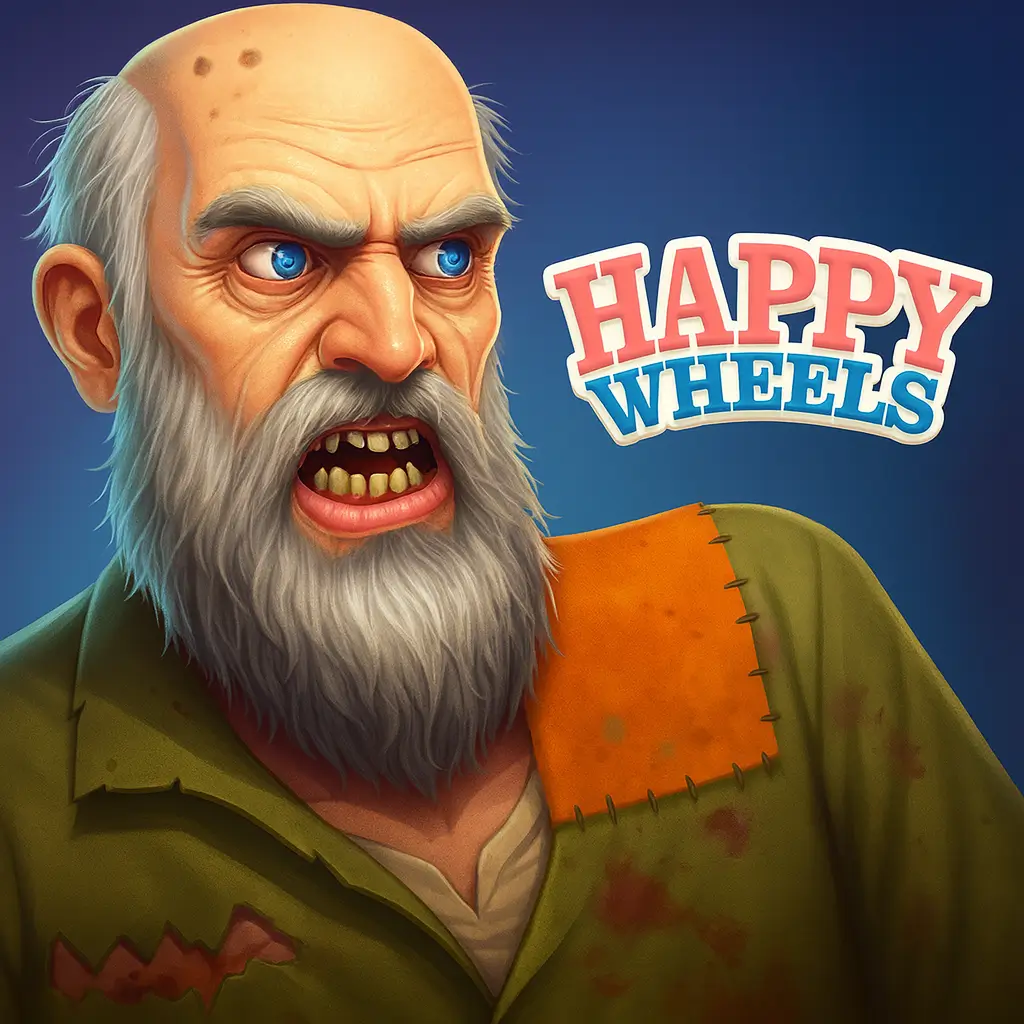
Happy Wheels
Similar Games



Description
Introduction
Happy Wheels is one of the most famous ragdoll physics games, and you can play it free on gogamego.io without downloads or ads.
Kids love the funny characters, tricky obstacle courses, and surprising crashes that make every round different and exciting.
Happy Wheels unblocked is ready to play instantly—no installs, just pure fun whenever you want.
Click play now and see if you can survive the wildest levels without crashing!

What Is Happy Wheels?
Happy Wheels is a hilarious ragdoll physics game created by Jim Bonacci, an independent game developer who wanted to mix humor with challenge. The game was first released in 2010, and over the years it became one of the most popular browser games on the internet.
What makes Happy Wheels so unique is its combination of simple controls and unpredictable gameplay. Players guide funny characters through obstacle courses filled with spikes, traps, and moving objects. Each character rides a quirky vehicle—from bicycles to wheelchairs—and every level feels like a brand-new adventure.
Since its release, Happy Wheels has received updates that expanded its features, including a level editor where players can create and share their own maps. This gave the game an endless amount of replay value and helped it grow a massive online community of fans.
Happy Wheels is still trending today because kids and teens love its silly crashes, unpredictable physics, and endless creativity. Streamers, YouTubers, and even TikTok creators continue to share funny gameplay moments, which keeps the game fresh and popular among younger players.
On gogamego.io, you can enjoy Happy Wheels free and unblocked, making it the perfect choice when you want fast laughs and endless fun without downloads.
Gameplay Overview
How to Play
In Happy Wheels, the main goal is to guide your character to the finish line while avoiding dangerous traps. Each level is filled with spikes, wrecking balls, mines, and other wild obstacles that test your timing and reactions.
Players can choose different characters, each with their own funny vehicle—like a dad and son on a bike, a Segway rider, or even a wheelchair hero. Every character moves differently, so picking the right one for each map makes the challenge more exciting.
Progression comes from completing levels and unlocking new community-made stages. Since the game features a level editor, there are thousands of maps created by fans worldwide, which means you’ll never run out of challenges to try.
Controls
PC Controls (1-Player):
- Arrow Keys – Move forward, backward, lean left or right
- Spacebar – Primary action (like jumping or ejecting)
- Shift & Ctrl – Secondary moves depending on the character
- Z – Eject from the vehicle
2-Player Mode: On some fan-made versions, two players can take turns or use split controls to compete for the best run.
Mobile/Touch Controls: On gogamego.io, you can tap arrows on the screen to move, swipe to lean, and use on-screen buttons for actions, making it smooth to play on phones and tablets.
Pro Tips
- Start slow—rushing usually leads to crashes.
- Lean with the arrow keys to balance when landing jumps.
- Use eject (Z) to escape before a crash for funny wins.
- Master each character’s strengths; bikes are fast, but Segways are stable.
- Watch out for hidden traps—patience saves lives.
- On mobile, keep your thumbs close to the lean buttons for quick reactions.
- Replay tough levels—each attempt teaches you better timing.
- Create your own maps in the editor to practice tricky moves.
- Challenge friends by sharing level codes and seeing who survives longest.
Key Features
- Unique Characters: Choose from a silly cast including a Segway rider, a dad and son on a bike, or even a wheelchair hero. Each character adds a different style of gameplay, making every run unpredictable and fun.
- Ragdoll Physics: The hilarious physics engine makes every crash look ridiculous. Kids love the unexpected flips and falls, which add endless laughs to each level.
- Creative Levels: From spiky death traps to moving platforms, every stage is designed to test your balance and timing. The variety keeps the game fresh and exciting.
- Level Editor: Players can design their own obstacle courses and share them online. This means there are thousands of community-made levels to explore, giving Happy Wheels infinite replay value.
- Free & Unblocked: On gogamego.io, you can play Happy Wheels instantly without downloads or ads. Perfect for school breaks, mobile play, or quick gaming sessions at home.
- Mobile-Friendly Controls: Touchscreen buttons make it easy to play on phones and tablets, so the fun goes wherever you do.
- Replay Value: Because no two crashes are ever the same, kids keep coming back to beat their best score and try new strategies.
Game Modes
Happy Wheels is best known for its solo mode, where players test their skills on hundreds of hilarious obstacle courses. Each level brings new mechanics, from simple ramps to deadly traps, and the difficulty ranges from beginner-friendly to nearly impossible. The reward comes from beating tough challenges, unlocking fan-made maps, and sharing your funniest crashes with friends.
While the official game focuses on single-player action, many players also enjoy multiplayer-style challenges through community competitions. Online leaderboards and shared level codes allow friends to compete for the fastest times or craziest stunts, giving the game a fun competitive edge.
Some versions of Happy Wheels even support local co-op play, where two players take turns on the same device to see who can survive longer or complete levels faster. This setup makes the game perfect for parties, sleepovers, or quick family fun at home.
Although there are no official tournament or seasonal modes, the community often creates challenges and shares them on forums, TikTok, and YouTube. Players invent their own competitions—like “no-jump runs” or “fastest Segway finish”—which keep the excitement alive year after year.
On gogamego.io, you’ll always have access to Happy Wheels free and unblocked, with endless modes to enjoy—whether solo or with friends.
Characters & Customization
Characters
One of the funniest parts of Happy Wheels is its cast of characters. Each one has unique traits, vehicles, and hilarious ways of surviving—or crashing—through obstacle courses.
- Wheelchair Guy: A daring stuntman with a jet-powered wheelchair. He’s fast and unpredictable, perfect for speed runs.
- Segway Guy: One of the most iconic characters, balancing on a Segway. He’s stable, smooth, and often the best choice for tricky levels.
- Irresponsible Dad & Son: A duo riding a bicycle. The dad pedals while the child adds extra chaos—this pair is funny but challenging to control.
- Lawnmower Man: Armed with his mower, he can roll through obstacles in a very destructive style.
- Pogostick Man: Bouncing through levels with timing and patience, he’s perfect for vertical challenges.
Customization
In the original Happy Wheels, character customization is limited. Players cannot change outfits or colors directly, but the variety of characters themselves provides lots of gameplay variety. However, thanks to the built-in level editor and community mods, fans have added ways to adjust maps, gear, and even moves.
Many community-created versions allow extra custom skins, upgraded vehicles, and creative animations. This makes every run feel different and keeps the game fresh for kids who love experimenting.
On gogamego.io, you can enjoy these quirky characters in their funniest forms—no downloads required, just instant play.
Special Moves & Combos
Even though Happy Wheels is a simple ragdoll physics game, it feels full of surprises thanks to the crazy moves and tricks you can pull off. Mastering these special actions can make the difference between crashing early and reaching the finish line.
- Lean Forward & Back: Use the arrow keys to shift your weight. Leaning forward helps you climb ramps faster, while leaning back keeps you from flipping over on steep drops.
- Bunny Hop: Tap forward, then quickly pull back to create a small jump. This is useful for clearing small gaps without losing speed.
- Eject Move (Z): Sometimes, leaving your vehicle at the right moment can save your life. Eject before a trap, and your character might flop safely past it.
- Balance Recovery: If you land awkwardly, shift your weight quickly to stabilize. This prevents rolling over or losing momentum.
- Head Dive: Leaning down while falling makes you land faster. Risky, but it can help you skip obstacles or reach platforms below.
- Spin & Flip: Rotating in the air isn’t just for style—it helps you land wheels-first, avoiding crashes and keeping your run alive.
- Wall Push: If stuck, lean forward against a wall and pedal hard. This move sometimes gives you just enough momentum to climb out.
- Combo Trick: Combine eject + lean to “throw” your character across traps. It looks hilarious and sometimes leads to unexpected victories.
These moves make Happy Wheels more than just luck—skill, timing, and creativity are the keys to surviving the craziest levels.
Tips & Tricks
Happy Wheels might look silly, but surviving its dangerous levels takes more than luck. With the right strategy and a little practice, you can turn those hilarious crashes into real victories. Here are some of the best tips and tricks to keep in mind:
- Start Slow: Rushing often ends in disaster. Take your time to learn the level layout first.
- Balance Constantly: Use the lean keys to keep your rider steady after jumps or when landing on moving platforms.
- Master Each Character: Some maps are easier with Segway Guy, while others favor the speed of Irresponsible Dad’s bike.
- Use Eject Wisely: Sometimes leaving your vehicle is the only way to dodge spikes or fly past traps.
- Plan for Obstacles: Look ahead on the map. Many hazards can be avoided with good timing and patience.
- Replay to Improve: Don’t give up if you crash—every attempt teaches you where to slow down, jump, or lean.
- Take Advantage of Ragdoll Physics: Floppy movements can actually help you squeeze through tight spaces or survive falls.
- Watch Community Replays: Learn strategies by seeing how other players beat tough levels.
- Practice Air Control: Leaning mid-jump can make the difference between a safe landing and a wipeout.
- Use Level Editor: Build your own maps to practice skills and share challenges with friends.
- Keep Calm: Many traps are designed to surprise you—staying relaxed helps you react faster.
With these tricks, every run in Happy Wheels becomes more fun and less frustrating. The more you play, the better you’ll get at surviving even the craziest levels.
Platforms & Technology
Happy Wheels is designed as a browser-based game, making it easy to play on Chrome, Firefox, Safari, and Edge without extra downloads. On gogamego.io, it runs smoothly across all modern browsers.
Desktop gameplay offers the most precise control with a keyboard, while mobile devices provide touchscreen buttons for quick play on the go. Both versions keep the ragdoll physics fun and chaotic, whether you’re at home or on school breaks.
The game has transitioned from Flash to HTML5 and WebGL, ensuring faster loading times, safer performance, and better compatibility with new devices. This upgrade means Happy Wheels remains future-proof and accessible for players worldwide.
Performance tip: For the smoothest experience, close extra tabs and use full-screen mode. On mobile, switching to landscape view helps with visibility and control.
Can I Play Happy Wheels Unblocked?
Yes! On gogamego.io, you can enjoy Happy Wheels unblocked anytime, anywhere. Many gaming sites restrict certain titles, especially on school or work networks, but here the game loads instantly without barriers.
Whether you’re taking a short break at school, relaxing at home, or sneaking in a quick run during free time at work, Happy Wheels is always ready to play. There are no downloads, no ads, and no hidden costs—just pure, hilarious fun right in your browser.
Because it’s built with modern technology like HTML5, Happy Wheels runs smoothly on both desktop and mobile devices. That means you can flip, crash, and laugh through every level wherever you are, no limits attached.
Similar Games
If you love the crazy physics and humor of Happy Wheels, you’ll definitely enjoy these other fun and free games on gogamego.io. Each one offers unique challenges and endless entertainment for kids and casual gamers alike.
- Awesome Tanks 2 – Command your tank, blast through enemies, and upgrade your firepower in exciting battle arenas.
- Candy Jump – Bounce your candy through colorful platforms in this fast-paced arcade adventure.
- Jacksmith – Become a master blacksmith and craft weapons to help heroes fight monsters.
- Swing Monkey – Use ropes to swing through the jungle and time your jumps perfectly to keep moving.
- Hole.io – Control a hungry black hole and swallow everything in your path to grow bigger.
- Papa’s Cupcakeria – Bake, decorate, and serve delicious cupcakes to keep your customers happy.
- Tomb of the Mask – Explore an endless tomb filled with traps, puzzles, and quick-thinking challenges.
- Curve Ball 3D – A futuristic twist on ping pong with fast reflexes and tricky curve shots.
- Holey.io – Similar to Hole.io but with new maps and challenges for even more arcade fun.
All of these titles are free, safe, and unblocked on gogamego.io, making them the perfect picks when you’re ready for a break from Happy Wheels.
Game History & Updates
Happy Wheels was first released in June 2010 by indie developer Jim Bonacci. The game quickly became a viral hit because of its mix of ragdoll physics, dark humor, and hilarious crashes. Unlike most browser games of its time, it gave players total freedom to experiment with different characters and crazy obstacle courses.
Over the years, Happy Wheels has received several important updates. The most notable was the addition of the level editor, which allowed players to design and share their own maps. This feature turned the game into a creative playground with thousands of community-made levels, keeping the experience fresh and replayable.
Another big change came when the original Flash version was updated to HTML5 and WebGL, ensuring the game could run smoothly on modern browsers and mobile devices. This transition saved Happy Wheels from disappearing after Flash was discontinued, proving how much the developers and community valued the game.
The community around Happy Wheels has only grown stronger over the years. YouTubers, TikTok creators, and streamers continue to post hilarious gameplay moments, bringing the game to new generations of players. Fan-made mods and custom skins also extend its lifespan.
While there is no official roadmap for major future updates, the community-driven content keeps the game evolving. As long as players keep creating and sharing, Happy Wheels will remain one of the funniest and most iconic online games available.
FAQ Section
Is Happy Wheels free to play?
Yes, Happy Wheels is completely free on gogamego.io. You don’t need to pay, sign up, or download anything— click and play instantly.
Can I play Happy Wheels unblocked at school?
Absolutely. On gogamego.io, Happy Wheels is unblocked, and you can enjoy it safely during breaks at school or even at work without restrictions.
Who created Happy Wheels?
The game was created by indie developer Jim Bonacci in 2010 and became famous for its ragdoll physics and creative levels.
Does Happy Wheels still work without Flash?
Yes. The game has been updated to run on HTML5 and WebGL, which means it works on all modern browsers and devices without Flash.
What makes Happy Wheels so popular?
The mix of funny characters, unpredictable crashes, and endless community-made levels keeps players laughing and engaged for hours.
Can I play Happy Wheels on mobile?
Yes, the game is mobile-friendly. On gogamego.io, touch controls make it easy to play on phones and tablets.
Is Happy Wheels safe for kids?
Happy Wheels is designed for fun, but some crashes can be a bit graphic. Kids usually enjoy the silly ragdoll humor, though parents may want to supervise younger players.
Can I make my own levels in Happy Wheels?
Yes! The built-in level editor lets you design, test, and share your own obstacle courses with the global community.
Does Happy Wheels have multiplayer?
While the official version is single-player, fans often compete through shared level codes and online challenges to see who can finish fastest.
Conclusion
Happy Wheels remains one of the funniest and most creative ragdoll physics games ever made. With its quirky characters, hilarious crashes, and endless community-made levels, it offers a unique mix of humor and challenge that keeps players coming back for more.
The game’s switch from Flash to modern HTML5 technology means it now runs smoothly on all devices—whether you’re playing on a desktop with a keyboard or on mobile with touch controls. Plus, with the built-in level editor, the fun never ends as players around the world keep creating new obstacle courses to explore.
On gogamego.io, Happy Wheels is always free, safe, and unblocked. You don’t need downloads, sign-ups, or ads interrupting your fun—just click play and start laughing at the unpredictable stunts and epic fails.
If you’re ready for a game that mixes comedy, challenge, and pure creativity, it’s time to join the millions of players who already love Happy Wheels. Hit the play button now and see if you can conquer the craziest levels without crashing!